Feedback is what people tell you about their experience. Look for a useful improvement before turning a comment into a promotion.
Customer guide: 3 pages. Open the PDF directly, then save or print it. Follow the steps and use the worksheets to plan your next action. Nothing sends automatically.
Open the illustrated customer guide (3-page PDF)
What this means
Feedback is what people tell you about their experience. Look for a useful improvement before turning a comment into a promotion.
A real-life example
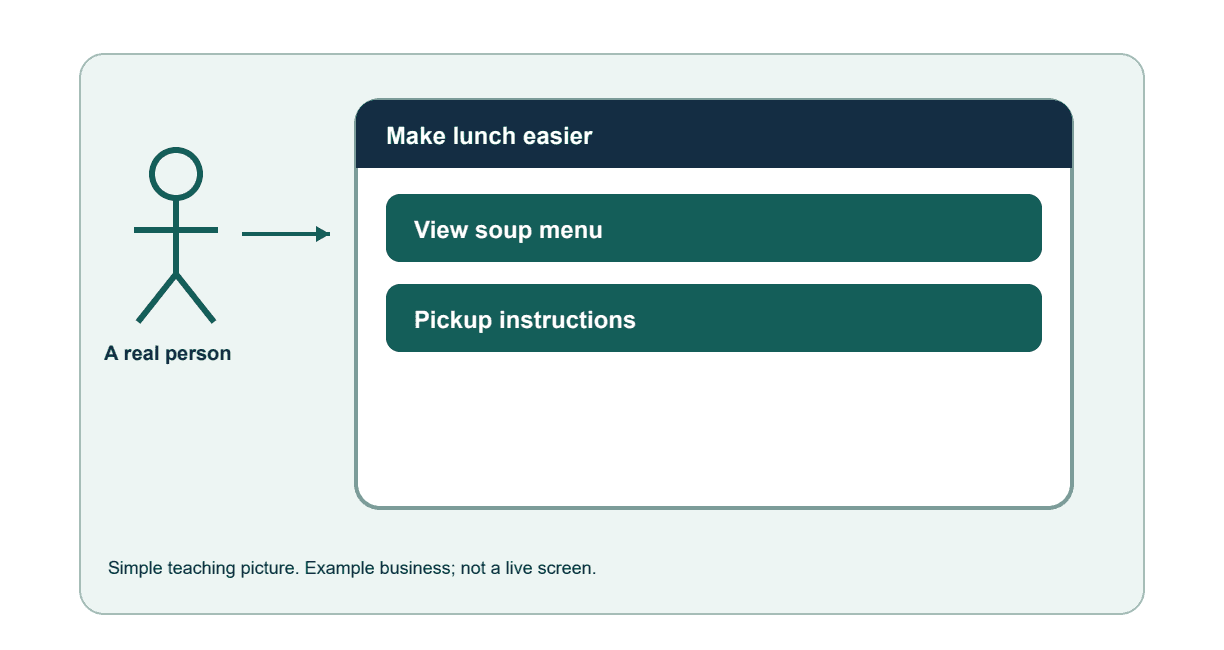
A cafe hears several compliments about soup and several comments that pickup is confusing. It makes pickup clearer before posting about the lunch menu.
Step by step
1. Choose one question.
Ask 'What makes pickup easy or difficult?' rather than collecting every possible customer detail.
2. Listen to more than one person.
Read available feedback from a clear period and include mixed experiences. Keep private complaint details out of shared examples.
3. Write simple themes.
For example, '5 comments mention soup' and '3 mention unclear pickup'. These are example counts, not a claim that all customers think the same thing.
4. Fix one real issue.
Add a clear pickup location and tell staff how to explain it. Ask someone unfamiliar with the cafe to follow the instructions.
5. Share the useful improvement.
Say 'Pickup details are now beside the menu'. Ask permission before repeating a customer's quote, name or photo. Do not invent praise.
6. Check again later.
Ask whether pickup is easier and record new observations. A small set of comments is a clue to investigate, not proof of what every customer wants.
How you know it worked
One specific service problem has a tested improvement and a date to check it again.