The Review Ripple Kit helps a business connect good service to an easy, optional review route. It does not buy ratings or guarantee reviews.
Customer guide: 3 pages. Open the PDF directly, then save or print it. Follow the steps and use the worksheets to plan your next action. Nothing sends automatically.
Open the illustrated customer guide (3-page PDF)
What this means
The Review Ripple Kit helps a business connect good service to an easy, optional review route. It does not buy ratings or guarantee reviews.
A real-life example
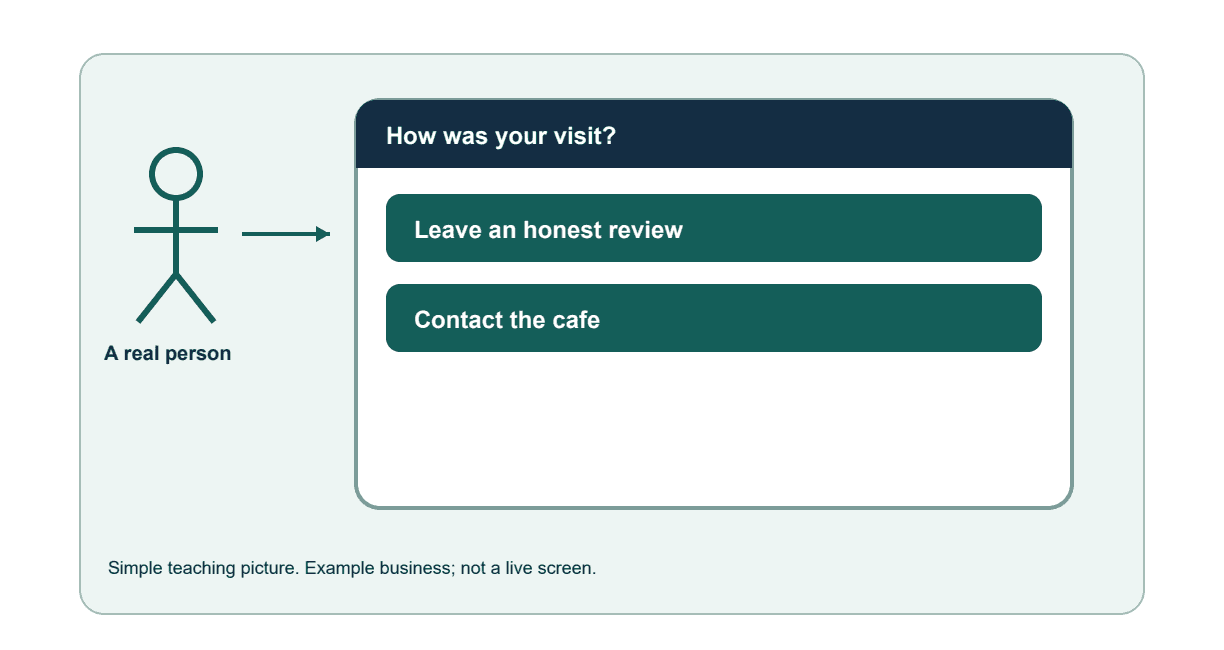
A cafe serves a customer well. At checkout, a small sign says “Your honest feedback is welcome.” Tapping or scanning opens the correct Google review page.
Step by step
1. Check the experience first.
Make sure staff can help customers with questions and fix a mistake. Do not treat the review sign as a substitute for care.
2. Open your correct review page.
Check the business name and location. Save the exact link you want the sign to open.
3. Choose simple wording.
Use 'Your honest feedback is welcome'. Keep the review optional and available to customers regardless of whether they are happy or unhappy.
4. Choose where the sign goes.
A checkout counter may work if it is easy to reach and not intrusive. Explain tap and scan, and provide a readable address where practical.
5. Test the finished sign.
Tap or scan with a compatible phone and check the correct review screen opens. Do not submit a fake review as a test.
6. Keep learning from feedback.
Decide who checks reviews and answers them. Thank people, protect private details and choose a service improvement when a theme keeps appearing.
How you know it worked
The sign opens the correct optional review route, and the business knows how to read and answer feedback.